🔌 Step 1: Install an SEO Plugin
The easiest and most powerful way to manage SEO is by using a plugin. The top two are:
1. Yoast SEO (Popular & beginner-friendly)
-
Go to your WordPress Dashboard
-
Go to Plugins > Add New
-
Search for “Yoast SEO”
-
Click Install Now, then Activate
2. Rank Math SEO (More advanced features, also free)
-
Same steps: Plugins > Add New
-
Search for “Rank Math SEO”
-
Install and activate
⚙️ Step 2: Configure the SEO Plugin
Once installed, go to:
-
SEO > General (for Yoast)
-
or Rank Math > Dashboard
Follow the setup wizard. It will guide you through:
-
Connecting to Google Search Console
-
Setting your website type (blog, business, etc.)
-
Optimizing meta titles and descriptions
✍️ Step 3: Optimize Pages and Posts
Now, when editing any page or post:
-
Scroll down to the Yoast SEO or Rank Math section
-
You’ll see fields for:
-
Focus Keyword
-
SEO Title
-
Meta Description
-
Readability Analysis (Yoast)
-
It gives live feedback—green = good, red = needs improvement.
🌐 Step 4: Enable SEO-Friendly URLs (Permalinks)
-
Go to Settings > Permalinks
-
Choose Post Name
-
Click Save Changes
This gives you URLs like:
instead of:
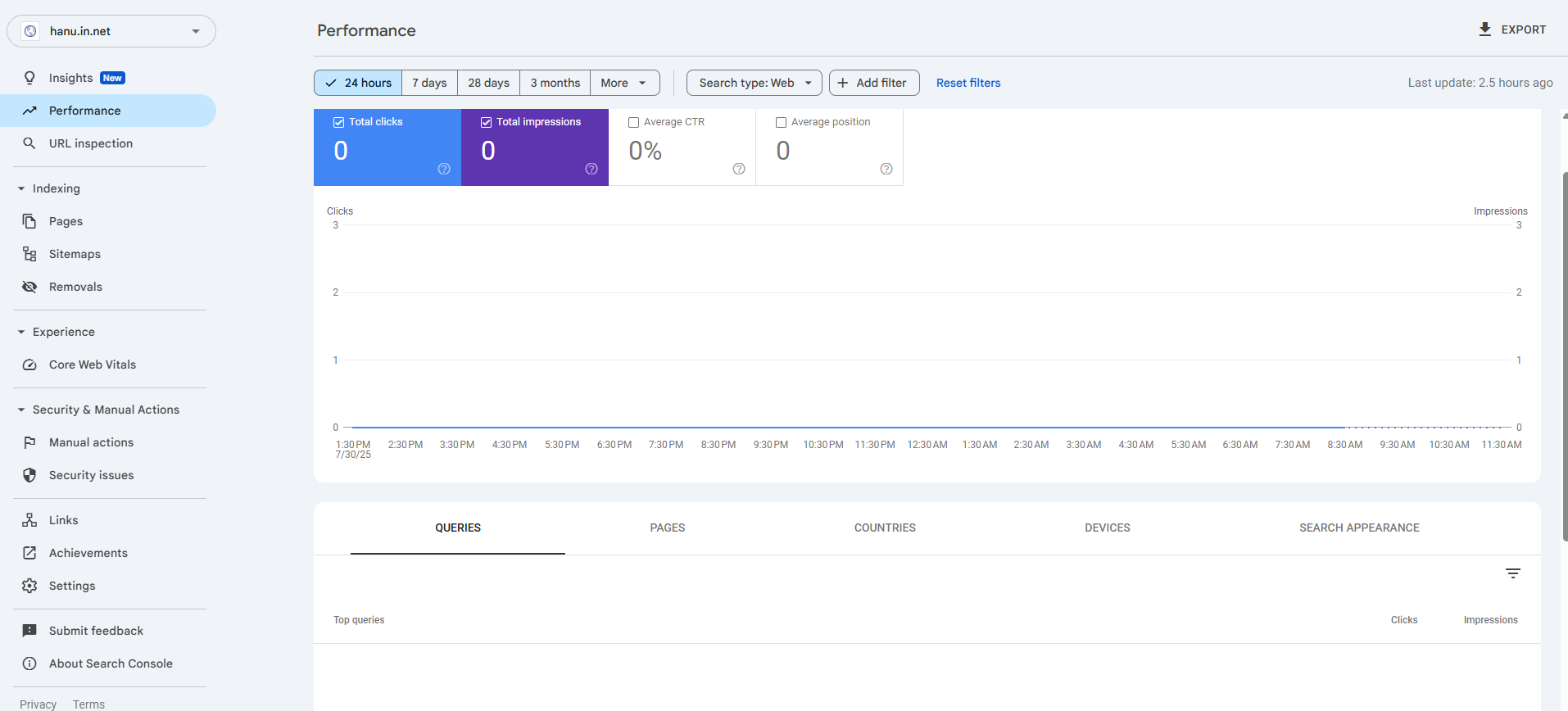
📍 Step 5: Submit Your Site to Google
-
Go to Google Search Console
-
Add your website
-
Submit your sitemap:
-
Yoast:
https://yourdomain.com/sitemap_index.xml - Rank Math:
https://yourdomain.com/sitemap.xml -
-
🧠 Bonus SEO Tips
-
Use H1, H2, H3 headings correctly
-
Add alt text to images
-
Improve site speed
-
Make sure your site is mobile-friendly
-
Use internal links between blog posts